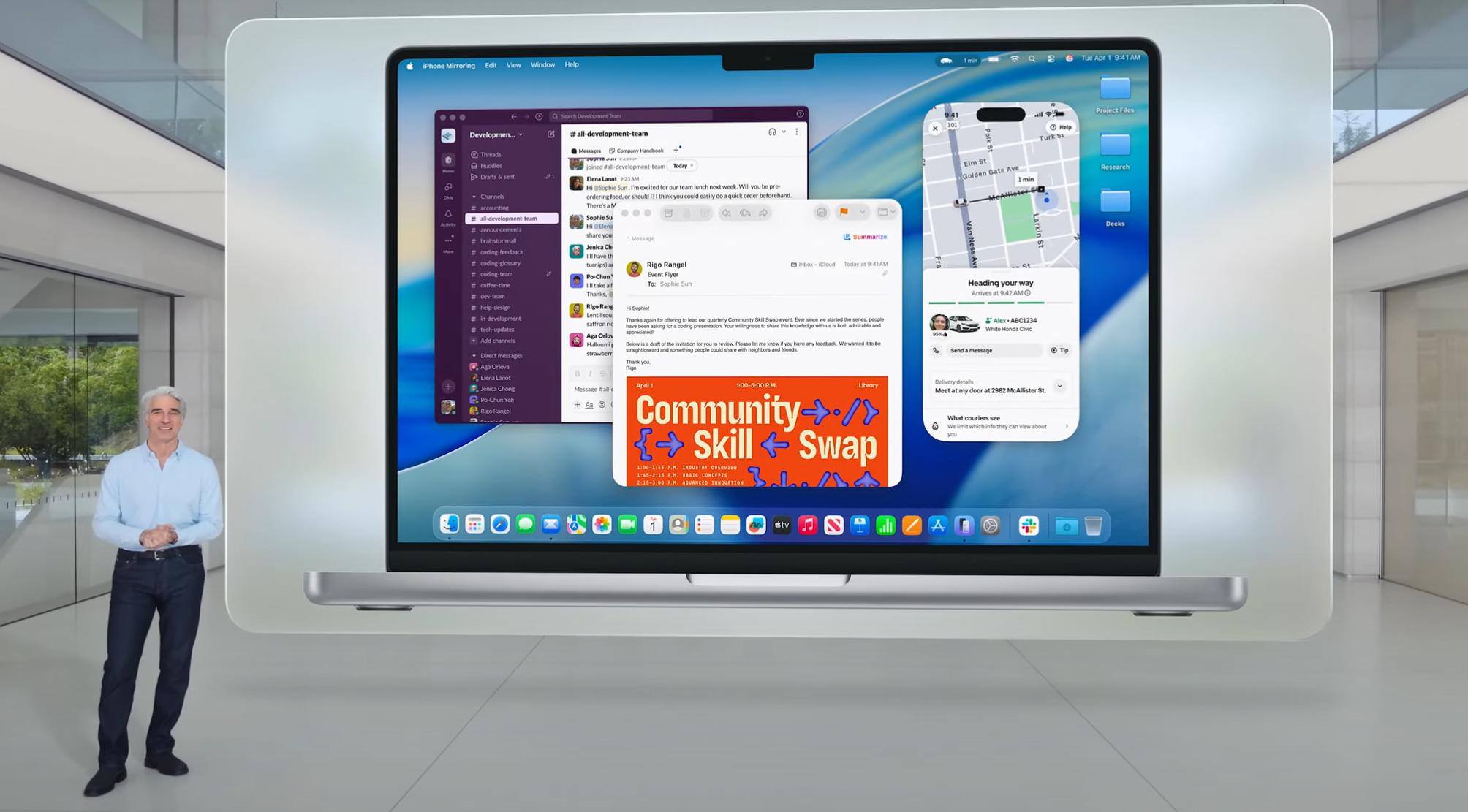
The macOS Tahoe update marked one of the most significant changes to Apple’s Mac operating system in years. Beyond introducing an entirely new look and feel with the Liquid Glass design, the update brought enhancements to Apple Intelligence, a major overhaul of Spotlight, iPhone-inspired features like Live Activities and Call Screening, and much more.
While much of the attention has been on these headline features, macOS Tahoe is also packed with subtle tweaks that collectively make a noticeable difference to your Mac experience. If you take a closer look, you’ll discover overlooked additions all around that can elevate how you use your Mac. Here are seven of our favorite little-known updates introduced in macOS Tahoe.
### Spotlight Superpowers
If you’ve been using macOS Tahoe, you’ve likely noticed Spotlight’s refreshed design and power-user features. But beyond the new app list and Quick Keys, Spotlight includes several hidden tools worth exploring.
For instance, Spotlight now allows you to search within your open windows and browser tabs, making it easier to locate that elusive website you visited earlier. You can also type a website’s name (like Amazon), press Tab, and then enter a query to search directly within that website right from Spotlight.
Additional enhancements include browsing through your clipboard history and reviewing past Spotlight searches. These features collectively transform Spotlight into the powerful tool it was always meant to be.
### Mac Control
The macOS Control Center is designed to house controls and toggles for various apps and widgets, allowing you to manage music, AirDrop, and more from one spot. However, accessed via a menu bar button, it’s easy to overlook.
In macOS Tahoe, this changes. You can now drag controls out of the Control Center and place them directly in your menu bar for easier access. Third-party apps can add their own controls too, expanding your options beyond Apple’s defaults.
Moreover, an intuitive controls gallery makes finding and enabling items in the Control Center simpler. With these improvements, the Control Center steps out of the shadows to become a handy and always-accessible feature.
### Gaming Goodness
Gaming on macOS has gained momentum thanks to powerful Apple silicon and the arrival of AAA titles on the platform. macOS Tahoe introduces two lesser-known features that greatly enhance your gaming sessions.
The first is **MetalFX Frame Interpolation**, Apple’s version of frame generation, which creates an extra frame for every two frames your game produces. The result is a much smoother gaming experience, even on hardware with limited frame rates.
The second is **MetalFX Denoising**, enabling real-time path tracing in supported games to deliver more realistic lighting effects.
Note that these features require developers to implement them — they aren’t toggles you enable yourself — but when used, they can significantly elevate your gameplay.
### Shortcuts Automations
Shortcuts has been a favorite app for automating repetitive tasks and running complex scripts on the Mac. With macOS Tahoe, Shortcuts adds automation capabilities that bring even more convenience.
This means your favorite shortcuts can run automatically based on triggers, such as a specific time of day or an action you perform. For example, saving a file to your desktop might trigger a shortcut that moves images to your Pictures folder and other files to Documents.
Automations can also activate when you connect an external display — perhaps starting a work-related Focus mode or enabling Dark Mode — all without a single click from you.
### Privacy Protections
Apple’s commitment to user privacy continues to grow stronger in macOS Tahoe. Safari’s privacy defenses now include expanded **Advanced Fingerprinting Protection**.
Previously active only in Private Browsing, this protection now runs in every Safari session and browser window. It prevents websites and advertisers from collecting identifiable markers such as your operating system or browser type, which they could use to build profiles on you.
This quiet but powerful improvement helps shield you from invasive ads and tracking techniques you might not have noticed before.
### Filter Unknown Callers
At WWDC 2025, Apple introduced new caller filtering tools designed to block unknown numbers and screen calls before they reach you. macOS Tahoe brings some of these features to the FaceTime app.
When you enable the Unknown Callers filter in FaceTime, calls from unknown numbers are automatically moved to a separate section in your call list, keeping your main list clutter-free.
If you mark a number as known later, that contact can call or text you normally across FaceTime, Phone, and Messages. It’s a small but useful addition to keep unwelcome callers off your Mac.
### Journal on Your Mac
Apple’s Journal app, which was previously limited to iOS and considered somewhat basic, has finally arrived on the Mac with macOS Tahoe.
Along with its Mac debut comes a suite of new features making it a more robust journaling tool. You can create multiple journals to organize different aspects of your life separately.
Entries support photos, videos, and other attachments, and a map view lets you revisit places mentioned in your writing. Writing longer entries is now more comfortable on your Mac’s bigger screen compared to an iPhone.
—
With these subtle yet impactful updates, macOS Tahoe offers more than meets the eye. Paying attention to these features can significantly enhance how you work, play, and interact with your Mac every day.
https://www.macworld.com/article/2957775/7-macos-26-features-you-might-have-missed.html