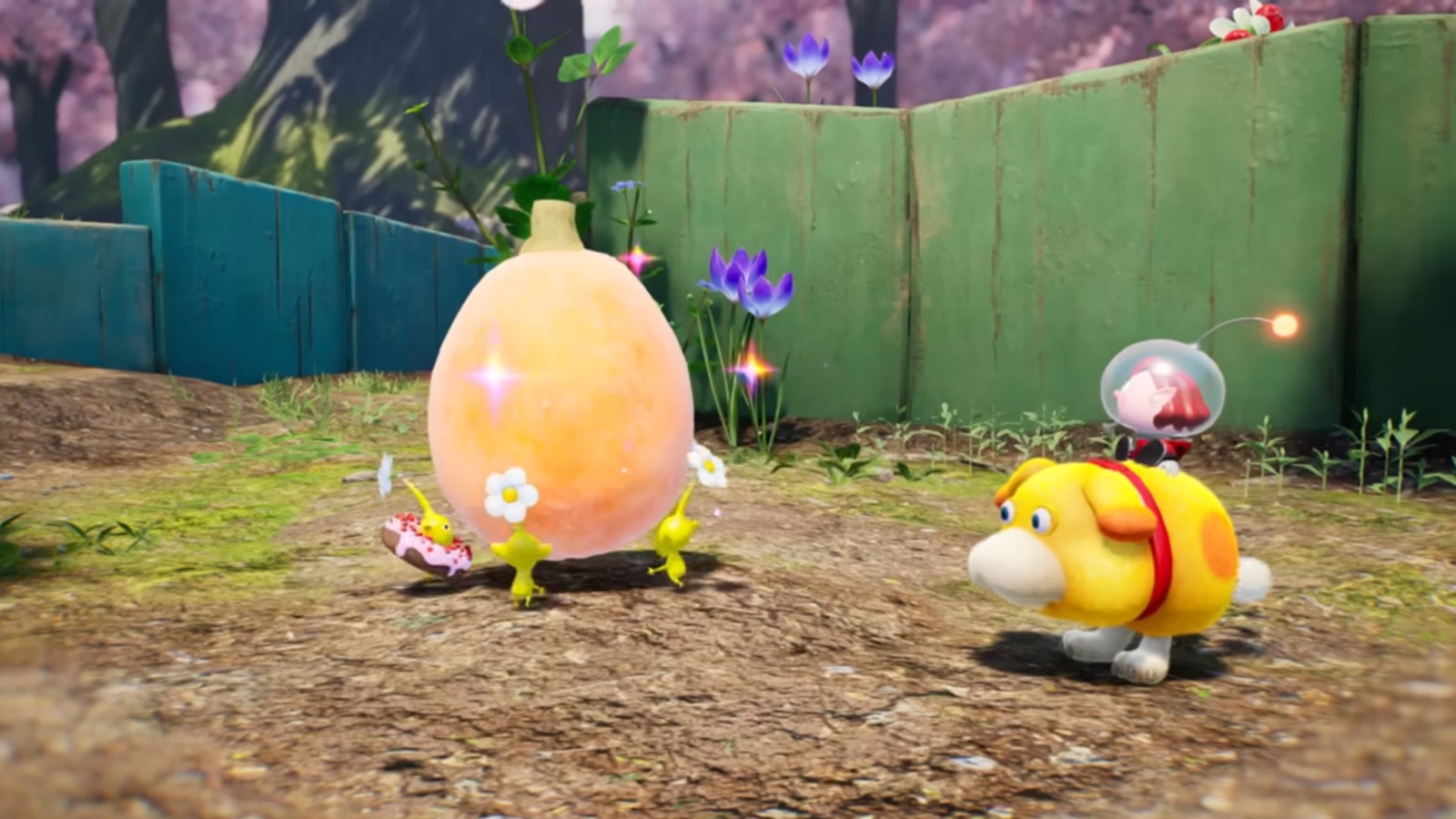
The much-anticipated update for **Pikmin 4** has officially launched, bringing a host of exciting new features and improvements to the Nintendo Switch and Switch 2 versions of the game. Version 1.1.0 delivers plenty of fresh content—including a brand-new Field Camera, new Decor Pikmin, additional difficulty levels, and more quality-of-life enhancements.
—
### Pikmin 4 Version 1.1.0 Update: What’s New?
Nintendo released the Pikmin 4 Version 1.1.0 update this week, a few weeks after initially teasing it. This update introduces several gameplay additions designed to enrich the player experience:
– **Field Camera & Photo Mode:** Starting from the morning of Day 2, players can use the new Field Camera item to snap pictures of the vibrant world of Pikmin 4. Beyond just taking photos, you can also decorate your snapshots with stamps and frames, adding some personalized flair.
– **Discover Decor Pikmin:** Using the Field Camera, players can find and photograph unique Decor Pikmin. After rescuing the Rescue Corps Ranger Dingo, capturing these Pikmin will add them to your squad. Plus, you can share data about your collected Decor Pikmin with the mobile game *Pikmin Bloom*, earning seedlings for those same Pikmin in the mobile title.
– **New Difficulty Settings:** To customize your gameplay experience, you can now select from three different activity levels for creatures: Relaxed, Normal, and Fierce. This setting can be altered anytime from the Options menu.
– **New Game+ “Roll Over” Mode:** Want to start the adventure afresh without losing all your progress? The new “Roll Over” option allows players who have cleared the story to begin another playthrough while carrying over some save data. You can select this by choosing an empty Rescue Database on the file selection screen. Players who have reached at least Day 2 can skip the introductory segment and begin right away at Sun-Speckled Terrace.
—
### Control Enhancements
The update also introduces new control options to better customize your gameplay:
– **Auto Target Lock:** You can now toggle Auto Target Lock for the cursor on or off from the Settings menu.
– **Whistle Center Point:** Choose whether the whistle is centered on the player avatar or the cursor. By default, this is set to “Player Avatar” if you have the activity level on “Relaxed,” but it can be toggled anytime.
– **Aim Arrow Speed:** When aiming with the X button (for Pikmin’s Charge and Oatchi’s Rush), you now have the option to select either “Normal” or “Precise” arrow speed, allowing finer control over direction adjustments.
—
### Additional Improvements and Bug Fixes
The update also addresses various bugs to improve the overall gameplay experience. Notably, Version 1.1.0 for the Pikmin 4 demo has been released, carrying the same updates, although the demo version does not support linking with the Pikmin Bloom app.
—
### Full Patch Notes for Pikmin 4 Version 1.1.0
**Newly Added Gameplay:**
– Choose from Relaxed, Normal, and Fierce activity levels for creatures, adjustable anytime in Settings.
– The Field Camera becomes available on the morning of Day 2, allowing photography and decoration of pictures.
– Decor Pikmin appear in the story; after rescuing Ranger Dingo, use the Field Camera to capture them and add them to your squad.
– Share Decor Pikmin data with *Pikmin Bloom* through your Nintendo Account to receive seedlings in the mobile game.
– “Roll Over” mode lets you start a new game carrying over save data from a completed file; you begin on Day 2 after introduction is skipped (if applicable).
**Control Settings Added:**
– Toggle Auto Target Lock for Cursor.
– Select whistle center: cursor or player avatar.
– Choose between Normal or Precise arrow speed when aiming.
**Bug Fixes:**
– Fixed various issues to enhance overall gameplay stability and experience.
—
For the latest updates on the Pikmin series and more gaming news, be sure to keep an eye on our dedicated Pikmin series topic.
—
**About the Author**
*TJ Denzer, Senior News Editor*
TJ Denzer is a lifelong gamer and writer who joined Shacknews in late 2019. He has since worked his way up to Senior News Editor, contributing extensively to news coverage and livestream projects like Indie-licious and the Shacknews Stimulus Games. You can reach TJ at [email protected] or follow him on BlueSky @JohnnyChugs.
—
Stay tuned for more exciting news in the world of Pikmin!
https://www.shacknews.com/article/146777/pikmin-4-version-110-patch-notes